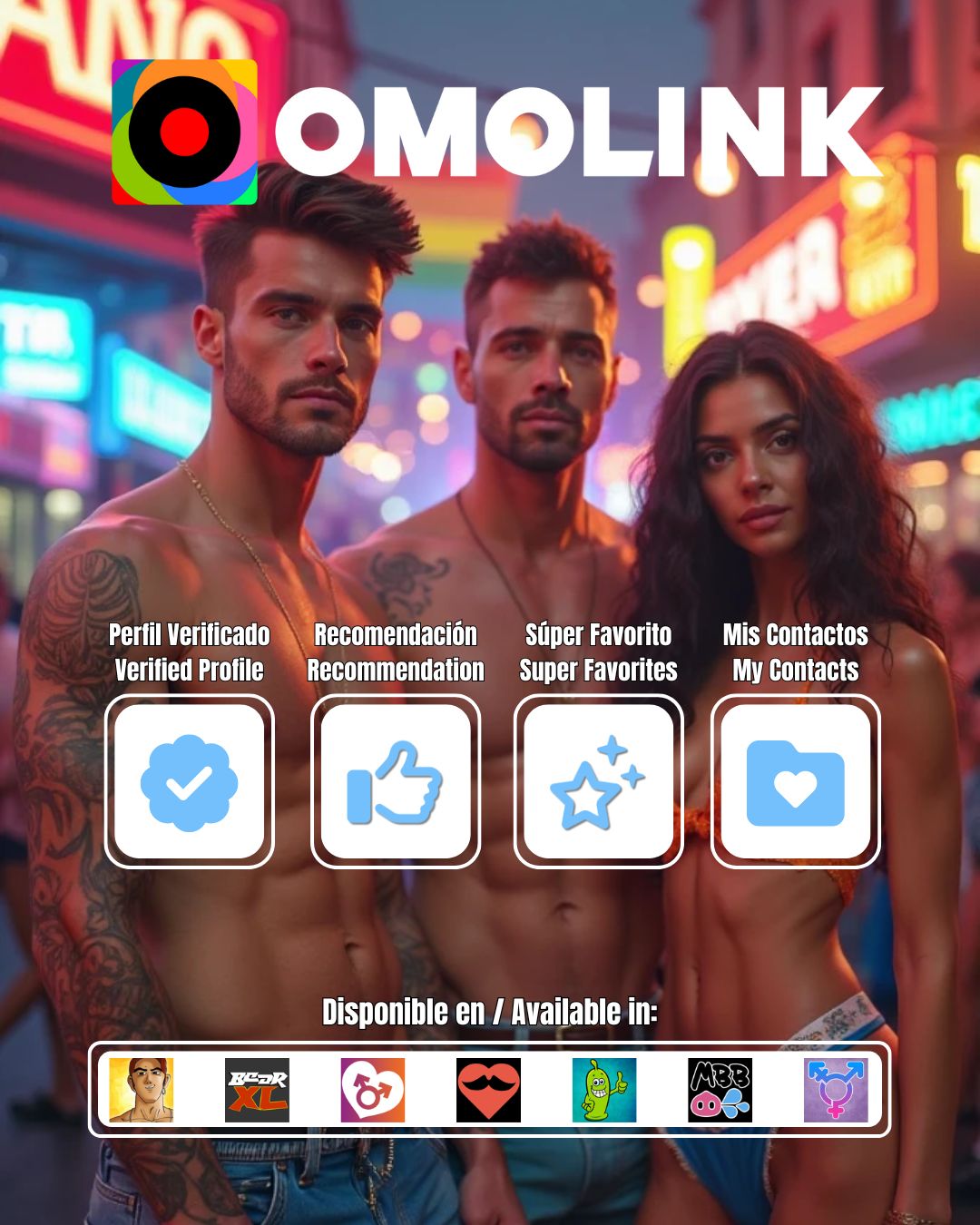

Omolink continues to innovate to enhance your community experience. Now, with new tools and features, connecting with authentic people is easier and safer than ever. From quickly sharing profiles to accessing your favorite contacts with just one click, here’s everything new you can enjoy.
📲 Share Profiles on Omolink Quickly and Easily!
Now you can send and share profiles directly from the app, without needing screenshots or requesting photos. This allows you to connect your friends with new people in a practical and secure way.
🔹 How does it work?
1️⃣ Select a profile that interests you.
2️⃣ Find the share icon in the options bar (located at the bottom).
3️⃣ Tap the icon and send it to whoever you want, quickly and securely.
💡 Make connections easier and help your friends discover new profiles in the community. Try it now and take advantage of this feature!
✅ New: Verified Profile on MachoBB and Trans4Men!
Authenticity and security are top priorities at Omolink. Now, you can obtain your Verified Profile, a badge that ensures your account is real.
📌 Why verify your account?
✔️ Increase your credibility and trust within the community.
✔️ More chances to connect with real users.
✔️ Enhance your experience by interacting with authentic profiles.
📲 How to verify your account? It’s easy! Just follow these steps:
1️⃣ Go to the “My Account & Settings” section in the app.
2️⃣ Navigate to the “Activation / Verification” option.
3️⃣ Follow the instructions and upload a verification photo as required.
4️⃣ Wait for the Omolink team to validate your profile and receive your Verified Profile badge.
🔓 Stand out from the crowd and connect with greater security!
👍 New Feature in MachoBB: Profile Recommendation!
Now you can help others connect with outstanding individuals in a secure and reliable way. With the Profile Recommendation feature, you can highlight users you personally know and consider interesting, authentic, and trustworthy.
📍 How does it work?
✅ Select a profile within the app.
✅ Tap the “Like” 👍 icon located at the top right, above the profile picture.
✅ Your recommendation will help others discover trusted profiles within the community.
🌈 Contribute to a more connected and safer community. Start recommending today!
❤️ New Tab in Omolink: “My Contacts”!
Now, all services including MachoBB, Bakala.org , Trans4men, KinkySafe, BearXL, IloveDaddies and GayZinLove have a new tab designed to improve your connection experience.
📍 Where can you find it?
Located at the bottom right of the app, you’ll see the My Contacts ❤️📁 icon.
👀 What can you do in this new tab?
✅ Quickly access your favorite contacts.
✅ Save and manage your Super Favorites.
✅ Review profiles you have recommended.
✅ Check notes or phone numbers of people you’ve interacted with.
✨ And this is just the beginning… More exciting features will be coming to this new tab very soon!
🔥 Become a Premium user and unlock over 35 unlimited features!
And That’s Not All! More Updates Are on the Way…
At Omolink, we continue to innovate to provide you with a unique, secure, and connected experience. Very soon, new tools and exclusive features will be available to make your interactions even more exciting.
💡 Stay tuned for our updates and keep exploring all the new features we have for you.